
The Cryo-Dynamics customer support team is here to ensure a smooth experience—from setup to everyday use. We offer Video Guides, Quick Start Guides, User Manuals, and FAQs to help you get the most out of your system. If you need of additional assistance, please email us at support@cryod.com or call (214) 501-8890 during normal business hours.
Inadequate or Delayed Cooling
The most common reason for inadequate cooling—or a delay in the wrap feeling cold—is that the CryoDrive™ did not spend enough time in the freezer. If starting at room temperature, the CryoDrive™ must remain in the freezer for at least 4 hours prior to use. See How it Works – Step by Step Instructions
CryoDrive™ Installation
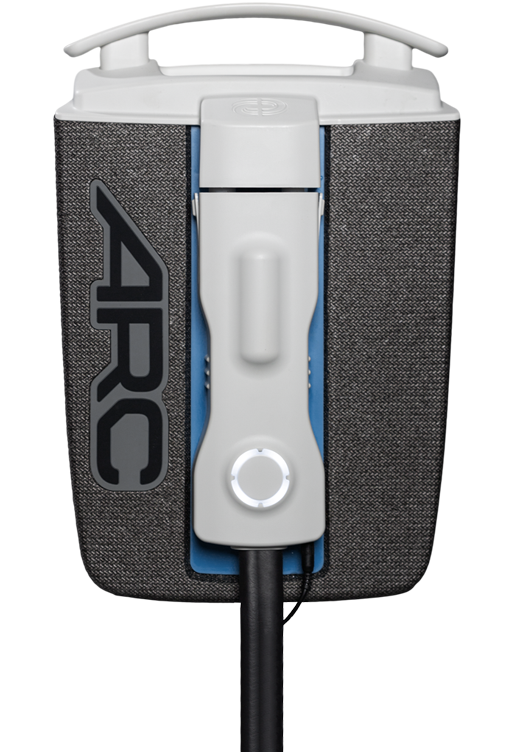
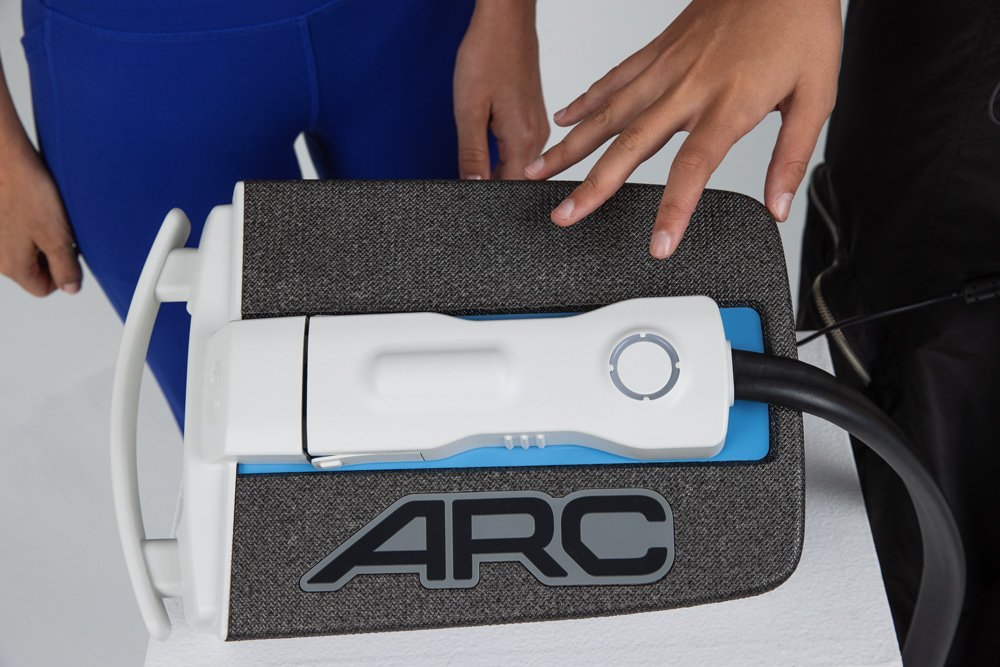
Ensure the CryoDrive™ is properly installed in the ARC™ system. Improper installation can result in reduced cooling performance and may cause minor leakage. Refer to the “How to Install and Remove the CryoDrive™” video in the Video Guides.
ARC™ System Positioning
Confirm the ARC™ insulated case is on a flat surface with the ARC™ logo facing up.
Uneven Cooling or Cold Spots
Uneven cooling—such as cold spots or varying temperatures—usually indicates improper wrap application. Ensure the wrap is applied evenly and securely, without folds, kinks, or bunching, as these can prevent effective thermal transfer. See the wrap-specific application demonstrations in the Video Guides.